
The best free AI resume builders can save you money, but “free” does not always mean free to download. You open a resume builder that says “free.” You spend forty minutes on your work history. Then the download button asks for a credit card.
That is the problem this guide is built around. It compares 5 AI resume builders: 4 with a free plan that does not expire, and 1 whose “free” plan is a 7-day trial. For each one, you will see what the free plan includes, where the limit sits, and who it suits.
There is no single best AI resume builder free for everyone. The right pick depends on how many resumes you need, whether you need AI help, and whether a watermark matters to you.
The details in this guide come from each tool’s official help and pricing pages, and were last checked on November 5, 2026. Plans change often, so confirm on the pricing page before you sign up.
What “free” usually means in a resume builder
Five limits decide whether a free plan works for you:
- Number of resume: One resume is fine for one job type. It is not enough if you tailor a version for each role.
- Downloads: Some plans cap PDF downloads or block them.
- Watermark or branding: A logo on your resume looks unprofessional to some employers.
- AI access: “AI resume builder” does not always mean AI is free. Many plans give a few credits, then ask you to upgrade.
- Time: A few “free” plans are really short trials.
Free AI resume builders at a glance
| Tool | Free plan type | Resumes | Free AI | Main catch |
| Teal | No expiry | Unlimited | Limited credits | 10 templates, top 5 keywords only |
| Kickresume | No expiry | Unlimited (free options only) | Limited use | 4 basic resume templates |
| FlowCV | No expiry | 1 resume + 1 cover letter | Not on free | AI and extra resumes need Pro |
| Rezi | No expiry | 1 | Limited | 3 PDF downloads, one template format |
| Enhancv | 7-day trial | Not clearly stated | Not confirmed | Branded PDF, max 12 section items, no Word export |
Last checked: November 5, 2026.
The 5 Best Free AI Resume Builders in Detail
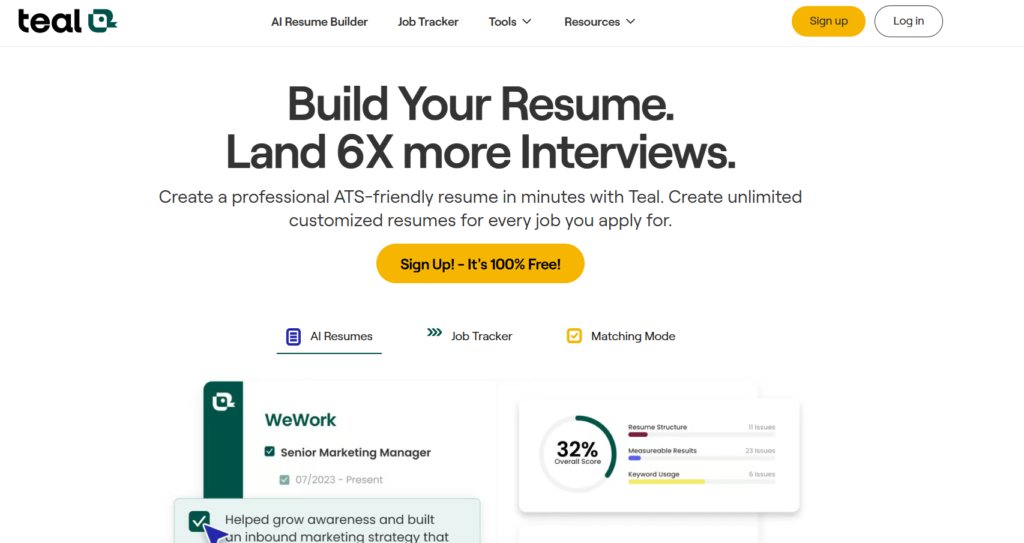
1. Teal: best for people who want a job tracker too
Teal’s help center says the free plan includes unlimited resumes and unlimited job tracking. You get 10 free templates, basic resume analysis, and only the top 5 keywords from a job description. Free AI use is credit-based: 5 credits for resume bullet generation, 2 for a professional summary, 2 for a cover letter, and 2 AI interview practice sessions.
Teal+ cost (per the same page): $13 weekly, $29 monthly, or $79 quarterly.
The catch: If you rely on AI bullet writing, the free credits run out quickly, so check in your account whether they renew. That help-center table does not list a download limit for the free plan, so confirm the export options when you sign up.
Best for: Active job seekers who want one place for resumes and applications.
2. Kickresume: best for unlimited free resumes
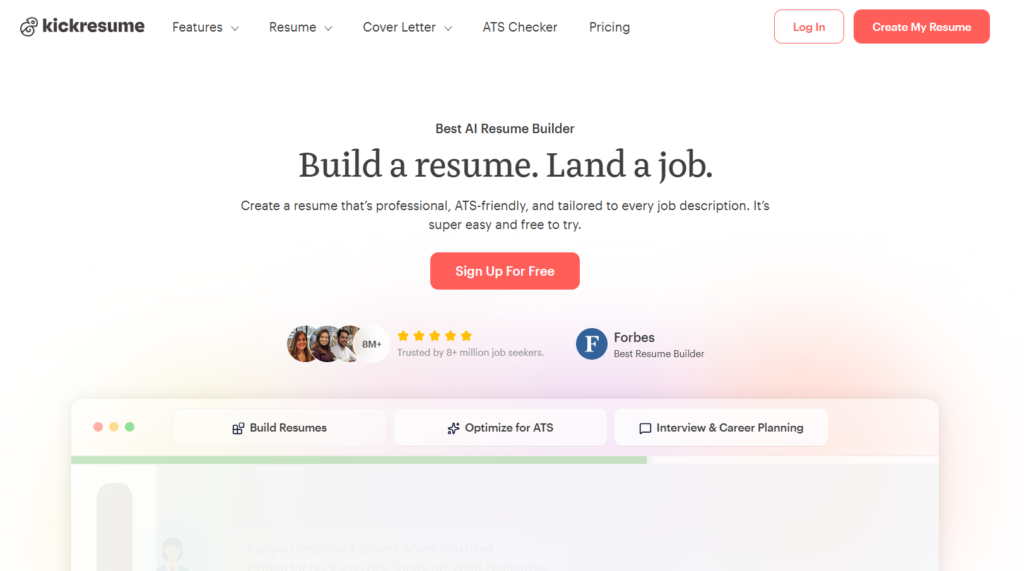
Kickresume’s help center says free users can create unlimited resumes and download them as often as they like, as long as they stick to the free customization options. The free plan includes 4 resume templates, 4 matching cover letter templates, a job application tracker, and limited use of its AI tools.
Premium costs $24 per month, $18 per month billed quarterly, or $8 per month billed yearly, according to that page. Students and teachers can get 6 months of Premium free after verification.
The catch: That page is published by Kickresume itself, so confirm the free limits at signup. Some third-party reviews mention branding on free downloads, while Kickresume’s page says free downloads have no watermark, so check your first download.
Best for: People who need several tailored resumes without paying, and students.
3. FlowCV: best for one clean, watermark-free resume
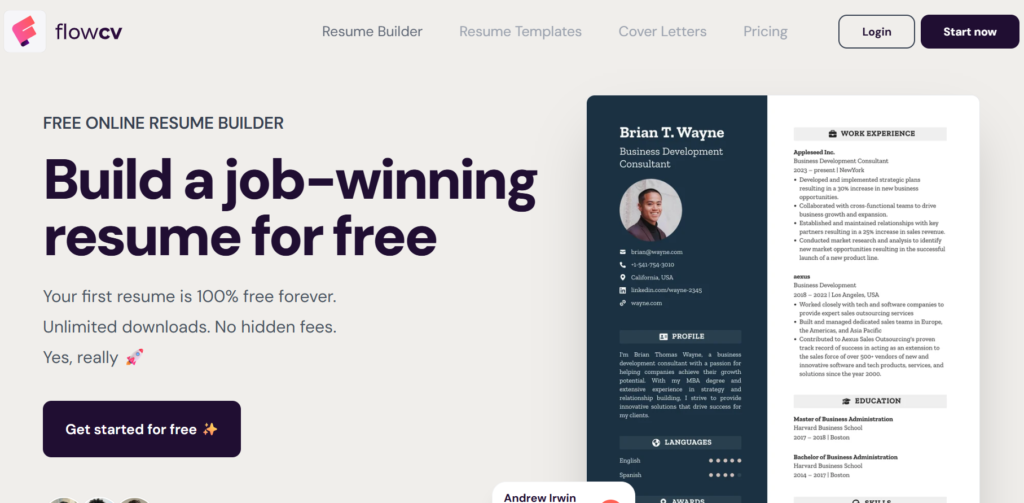
FlowCV’s pricing page says the free plan includes one resume and one cover letter, unlimited PDF downloads, no watermark, and access to all templates, with no credit card needed. AI features, a job tracker and extra resumes sit in the paid Pro plan.
The catch: You get one editable resume. If you upgrade and later downgrade, a third-party review says only the first resume stays editable.
Best for: Someone applying for one type of role who wants a polished PDF without paying.
4. Rezi: best for ATS-focused tools, with tight download limits
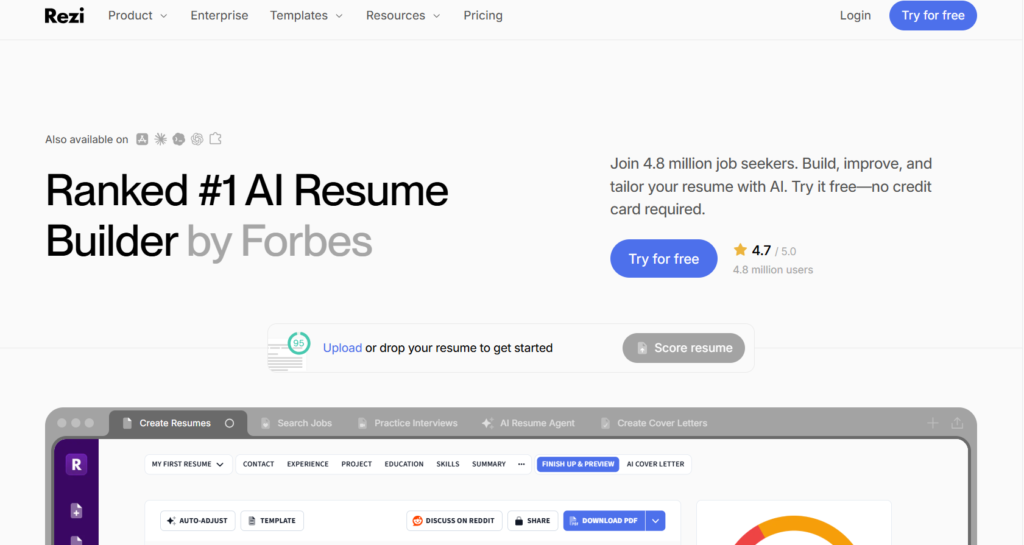
Rezi’s official plans guide (August 2026) says the Free plan includes 1 resume, 3 PDF downloads, one template format, one AI interview, and limited access to its score, keyword targeting and content analysis tools. DOCX and Google Drive export are listed under Pro, which costs $29 per month. A $149 Lifetime plan is also listed.
The catch: Three PDF downloads go fast if you keep editing. Rezi’s own pages also disagree about free cover letters: the plans guide lists the cover letter builder under Pro, but the pricing-page FAQ is reported to say free users get unlimited cover letters. Check this at signup.
Best for: People who want to try an ATS-focused tool before paying.
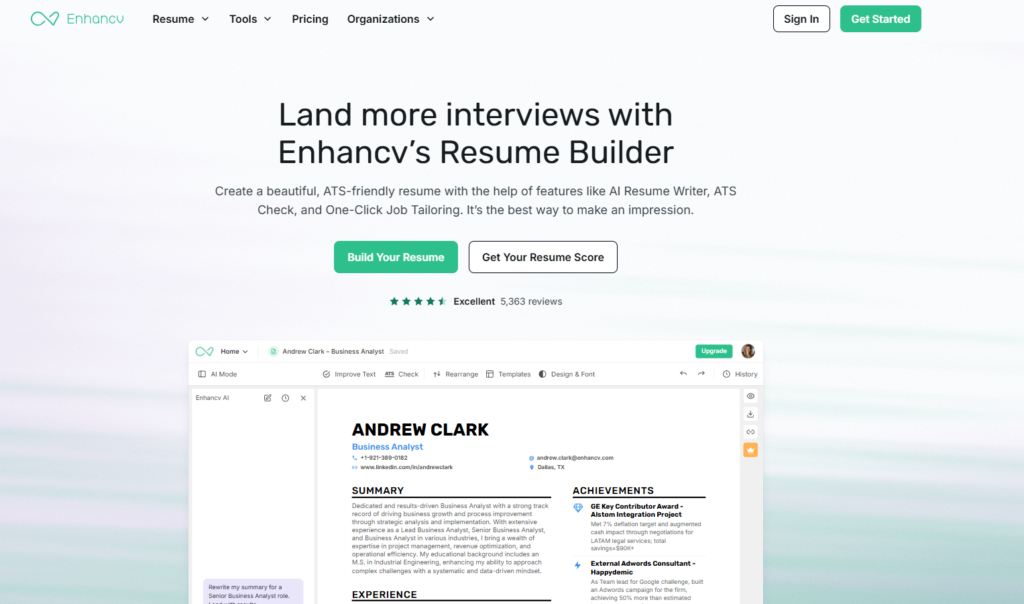
5. Enhancv: “free” here means a 7-day trial
Enhancv’s free plan lasts seven days. During that period you can download a PDF, but it carries Enhancv branding, and a resume is capped at 12 section items. Word/DOCX export is not offered in the documented export workflow. ([Enhancv source: ADD ENHANCV URL])
The catch: After seven days the plan ends, so it does not suit a long job search. The branded PDF is the main thing to weigh before you spend time on a design.
Best for: Someone who needs one resume quickly and is willing to pay to remove the branding.
Which one should you pick?
- One resume for one kind of job: FlowCV.
- Several tailored resumes for free: Kickresume or Teal.
- A job tracker plus resume builder: Teal.
- A student: Kickresume, then check its student offer.
- Trying an ATS-focused tool: Rezi, but keep an eye on the 3-download cap.
- One quick resume, and you don’t mind paying later: Enhancv, within its 7-day window.
A 5-minute check before you sign up
- Open the pricing page and look for a free-plan column.
- Check resume count, download limit, watermark and AI credits.
- Check whether the free plan has an end date.
- Sign up, then create a one-line test resume and try a download before building your real one.
- Write down the date you checked. Plans change.
A free fallback if every plan feels too limited
You can draft strong bullet points with a general AI chatbot and paste them into any builder or a plain document. See our ChatGPT resume prompts guide for copy-ready prompts. Always review AI-written text for accuracy before you send it to an employer.
FAQs
Is there a free AI resume builder with no watermark?
FlowCV’s pricing page states watermark-free PDFs on its free plan. Kickresume’s own page also says its free downloads have no watermark, but third-party reports differ, so test a download. Enhancv’s free PDF carries branding.
Can I download my resume for free?
It depends on the tool. Kickresume and FlowCV state free downloads. Rezi caps free PDF downloads at 3. Enhancv allows a branded PDF during its 7-day free period.
Are AI features really free?
Usually only in a limited form. Teal uses credits, Rezi limits its AI tools, and FlowCV puts AI features in Pro.
Do I need a credit card?
FlowCV states that no credit card is needed for its free plan. For the other tools, check the signup page.
Final word
Free resume builders can work well if you match the limit to your situation. Pick by what you need most: one clean PDF, many tailored resumes, or a job tracker. Then test a download first. Last checked: November 5, 2026.
